Pick
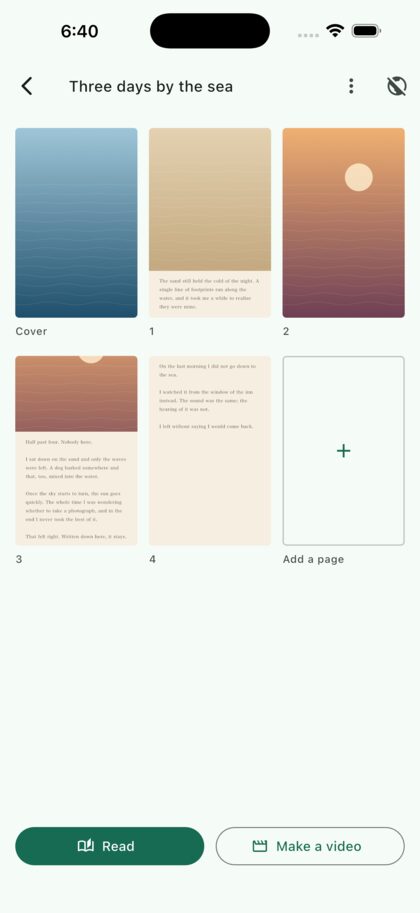
Choose photos you already have. Three kinds of page: photo only, photo with words, or words alone. Add a few words to make them your own.
 Tsuzuru
Photos, bound into a book
Tsuzuru binds photos and your own words into pages. Not a feed that scrolls past — a book that opens at the cover and turns page by page.
Free to start · In-app purchases
3 steps
Choose photos you already have. Three kinds of page: photo only, photo with words, or words alone. Add a few words to make them your own.
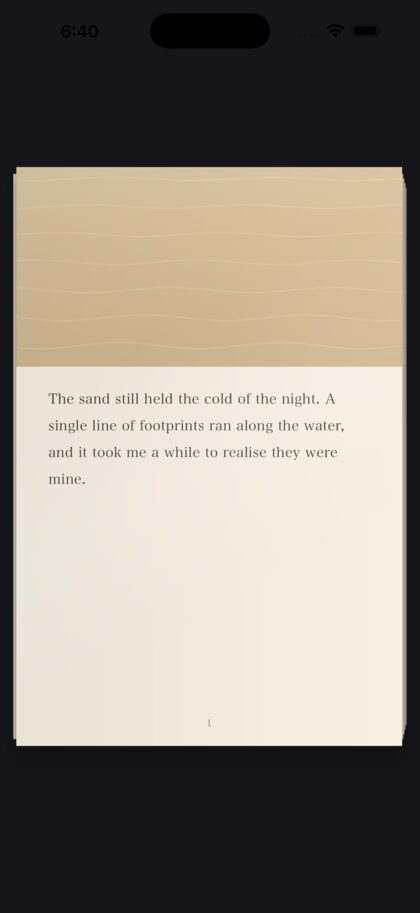
Your words sit below the photo, never on top of it. Write more and the page gives them more room.
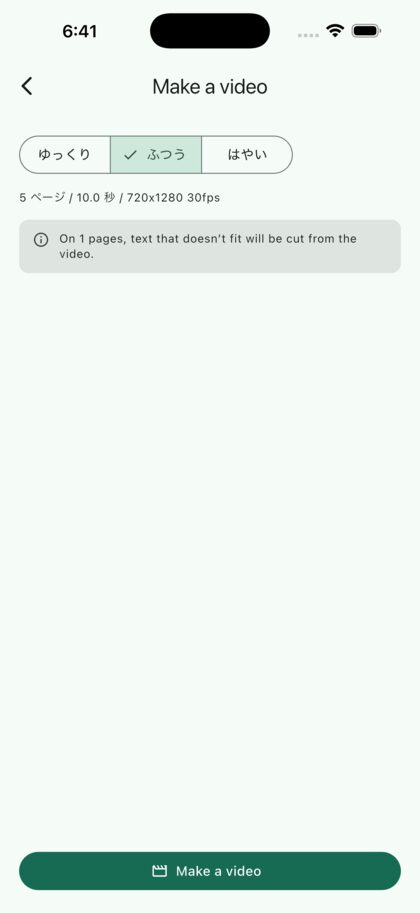
Export a vertical video for social. Or send a link — it lands on the reader’s shelf. They will need the Tsuzuru app to read the book.
Use cases
Add a line to today’s photo and keep building your book. You can also make recipes, stories, quizzes and picture books.




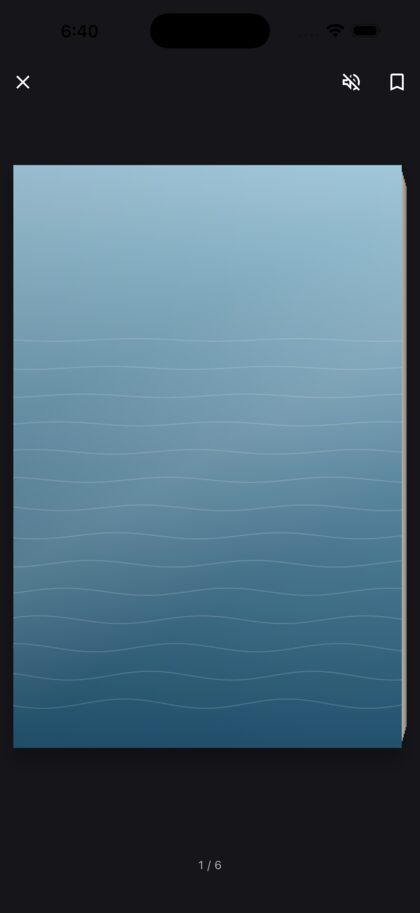
The cover opens. Pages turn under your finger, with the weight and the sound of paper. Lean the phone and light runs across the page.
Your books line up on a shelf. Hold to rearrange them, and “Today’s page” starts writing without going through a list.
Simple pricing
Making, reading and exporting video are free. A one-time Premium purchase expands publication limits and removes ads. No subscription. Prices below are for Japan; your store shows the local price.
Free
¥0
Premium
¥1,500 one-time
Each book holds up to 200 pages including its cover, and up to 60 of them can be published. When a published link expires, the book stays on your phone to read and edit, and publishing it again restores the original URL.
Private by design
Without Premium, a banner may appear on the bookshelf. There are no ads while editing, reading or exporting video, or on published web pages. On iPhone, personalized ads may be requested only if you allow tracking and your regional consent choices permit it. Declining tracking, and all Android requests, use non-personalized ads. Required regional consent is checked before loading ads. Advertising involves collecting and sharing identifiers, approximate location inferred from IP addresses, and other data. Firebase usage and diagnostic collection is separate from book uploads and advertising consent; analytics events do not include photos, text or book titles. Published photos are re-rendered without the original Exif metadata. See our Privacy Policy for details.
Choose the photos. Add a line. That is the whole of it.
Free to start · In-app purchases